
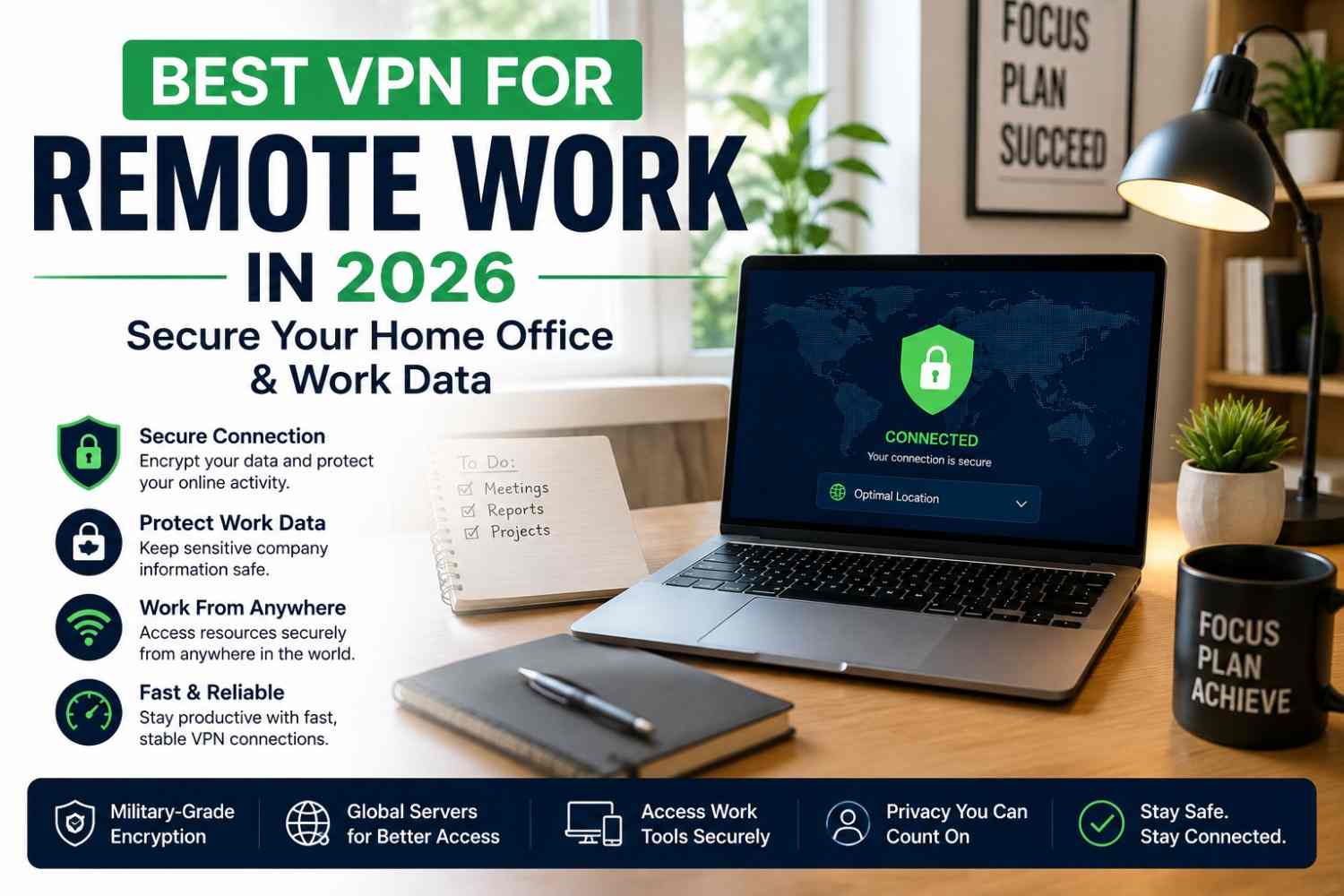
Remote work isn’t the exception anymore. It’s the standard for millions of people who log into company systems from home networks, co-working spaces, and the occasional cafe or airport lounge. Every one of those connections is a potential entry point for attackers, which is exactly why finding the best VPN for remote work has become as essential as a good laptop or a reliable internet plan.
This guide covers what makes a VPN genuinely suited to remote work, not just casual browsing, and which providers hold up when your job actually depends on the connection.
Why Remote Workers Need a VPN
Working outside a traditional office removes the built-in protection of a corporate network. A few common risks make this clear:
- Unsecured home networks – Many home routers use weak default settings, leaving traffic more exposed than most people realize.
- Public and shared WiFi – Co-working spaces, cafes, and hotels often run open networks where data can be intercepted.
- Sensitive company data – Client files, credentials, and internal systems are prime targets if your connection isn’t encrypted.
- Video calls and large transfers – Unprotected connections can expose meeting content and large file transfers to snooping.
A properly configured VPN closes most of these gaps by encrypting your traffic end to end, regardless of which network you’re connected to.
What Makes a VPN Good for Remote Work
Casual browsing and remote work have very different needs. When you’re evaluating the best VPN for remote work, prioritize these features:
- Reliable, low-latency speeds – Video calls and large file uploads need consistent performance, not just peak speed on paper.
- Split tunneling – Lets you route only work traffic through the VPN while keeping personal browsing on your regular connection, useful for performance and flexibility.
- A dependable kill switch – Cuts your connection instantly if the VPN drops, so sensitive work traffic never leaks onto an unprotected network.
- Strong encryption and a no-logs policy – Non-negotiable when client data or company systems are involved.
- Stable uptime across long sessions – An 8-hour workday needs a connection that doesn’t need constant reconnecting.
- Multi-device support – Covers your laptop, phone, and any secondary devices you use for work.
Best VPNs for Remote Work in 2026
Based on speed, stability, and security features suited to a work environment, here are the standout picks this year:
1. NordVPN
Runs on the NordLynx protocol for near-native speeds even during video calls, backed by a large global server network and a Threat Protection feature that blocks malware and trackers automatically. A strong all-around option for professionals who need speed and security together.
2. ExpressVPN
Known for consistent performance across regions, making it a solid choice for remote workers who travel or connect from different countries regularly. Setup is simple, and reconnection after a dropped connection is fast.
3. Proton VPN
Offers a genuinely strong privacy stance with quantum-resistant encryption on its roadmap, appealing to remote workers handling sensitive data who want a provider that treats privacy as the core feature, not an add-on.
4. Surfshark
Unlimited simultaneous connections make it easy to cover a laptop, phone, and tablet on one plan, which suits freelancers juggling multiple devices for different clients or projects.
5. Private Internet Access (PIA)
A large server network and consistent reliability make PIA a dependable choice for remote workers who need stable connections across different regions and ISPs.
Setting Up Your VPN for a Home Office
A few practical steps make your setup more secure without adding much complexity:
- Enable the kill switch before starting your workday, not after a problem occurs.
- Use split tunneling to keep work traffic on the VPN while personal apps run normally.
- Choose a server location close to your company’s servers to reduce latency during calls.
- Keep your VPN app updated, since security patches matter more for work traffic than casual use.
Frequently Asked Questions
Do I still need a personal VPN if my company already provides one? Yes, in many cases. A company VPN typically only encrypts traffic to internal systems, while a personal VPN protects your broader browsing and any devices your employer’s VPN doesn’t cover.
Will a VPN slow down my video calls? A well-optimized VPN with modern protocols shouldn’t cause noticeable lag, though picking a server closer to your location generally helps keep latency low.
What’s the best VPN for remote work if I travel often? Look for a provider with a large, well-distributed server network and fast reconnection, since these matter more when you’re regularly switching networks and countries.
Final Thoughts
Your home office deserves the same level of protection as a corporate network, if not more, since you’re often the only line of defense between your work data and an unsecured connection. The best VPN for remote work comes down to matching strong security fundamentals, like a kill switch and no-logs policy, with the speed and stability your actual workday demands.





[…] weren’t built for. If you’re setting up a laptop or desktop for daily use, picking the best VPN for Windows 11 is worth getting right from the […]