
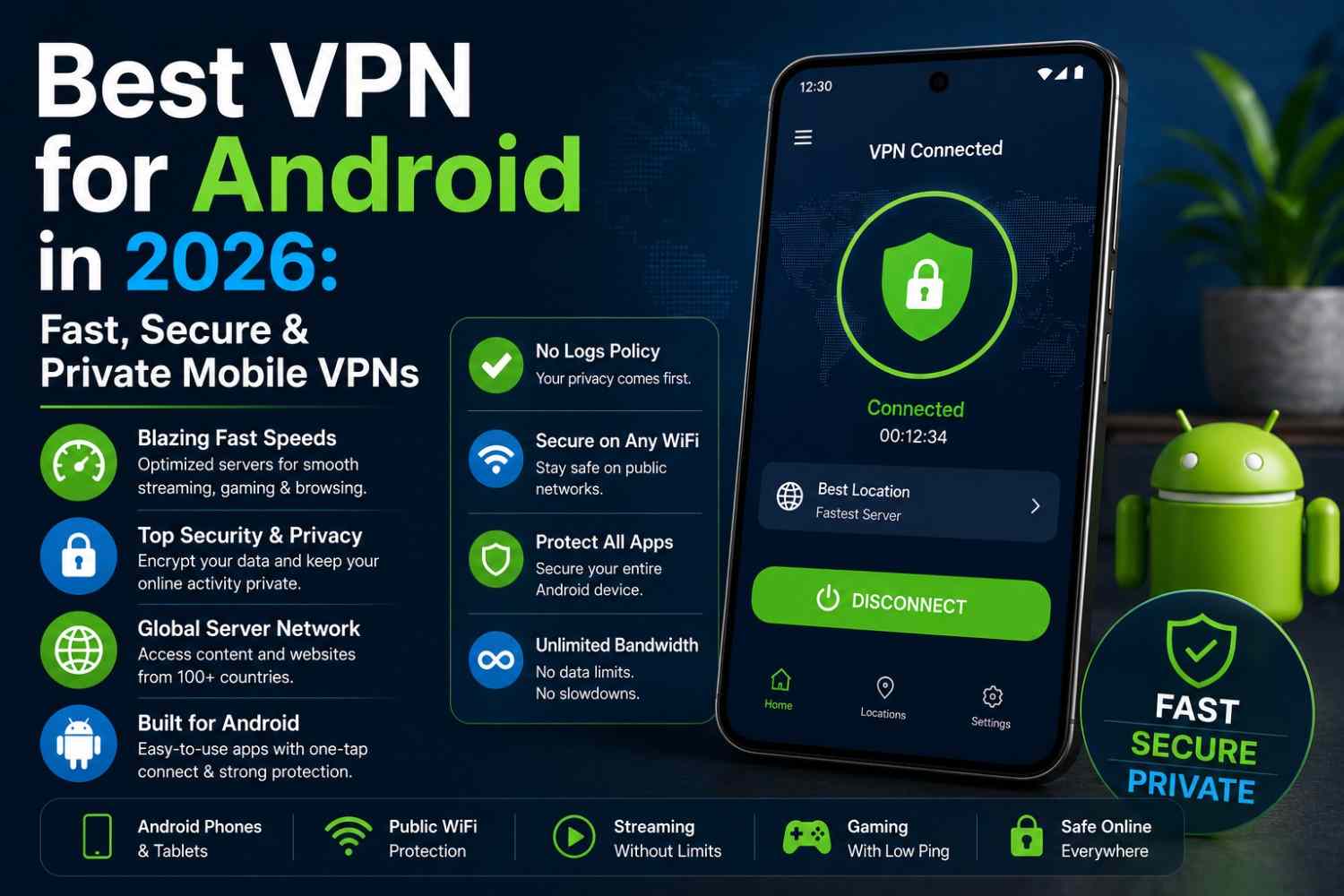
Android gives you more control over your phone than any other mobile operating system, and that includes how you handle a VPN. Unlike some platforms with tighter restrictions, Android supports full featured VPN apps with system wide protection, split tunneling, and deep customization. That flexibility is great, but it also means the app store is flooded with options, many of which quietly log your data or drain your battery in the background. Picking the best VPN for Android means knowing what separates a genuinely good app from one that just happens to work.
This guide covers what to check before installing a VPN on your phone or tablet, and which providers actually perform well on Android in 2026.
Why Android Needs a Dedicated VPN
Phones and tablets carry more personal data than most people realize, and mobile networks bring their own set of risks:
- Public WiFi on the go. Cafes, transit, and airports expose your phone to the same snooping risks as a laptop, often without you thinking about it.
- App level tracking. Many apps quietly send data in the background, and a VPN adds a layer of protection against network level tracking.
- Unsecured mobile data in some regions. Not every carrier network is equally protected, especially while traveling internationally.
- Battery and background drain. A poorly optimized VPN app can hurt battery life, so performance matters as much as security on mobile.
What to Look For in the Best VPN for Android
A few features separate a genuinely strong Android VPN from one that just technically connects:
- A native, well optimized app. Look for a dedicated Android client built for the platform, not a generic port that drains battery or lags.
- Split tunneling. Lets you exclude specific apps, like banking or local network tools, from the VPN tunnel.
- A reliable kill switch. Should cut internet access system wide the moment the VPN drops, especially important on mobile data.
- Fast, modern protocols. WireGuard based protocols generally offer the best balance of speed and battery efficiency on Android.
- Google Play security verification. Prioritize apps that meet Google’s App Defense Alliance standards, which adds an extra layer of vetting.
- Strong privacy fundamentals. AES-256 encryption and a verified no-logs policy matter just as much on mobile as on desktop.
Best VPNs for Android in 2026
Here’s how the top providers compare specifically for Android users this year:
1. NordVPN
Runs on the NordLynx protocol for fast, battery efficient performance, with split tunneling and support for up to 10 devices on one plan. Its Threat Protection feature adds malware and tracker blocking directly into the Android app.
2. ExpressVPN
Built around the Lightway protocol, which is specifically designed to be lightweight on battery life while still delivering fast speeds for streaming and gaming on the go. Its Android app is simple to set up for less technical users.
3. Surfshark
Offers unlimited simultaneous device connections along with a generous free trial, making it a strong pick if you’re covering multiple Android devices or want to test it risk free first.
4. Proton VPN
A genuinely usable free tier alongside a large server network, appealing to Android users who want strong privacy without committing to a paid plan right away. Its open source apps are independently audited.
5. Private Internet Access (PIA)
A large server network and split tunneling support make PIA a dependable option for Android users who want fine grained control over their connection.
Tips for Using a VPN on Android
A few practical habits improve both security and battery life:
- Enable auto connect for untrusted WiFi networks so protection kicks in without manual effort.
- Use split tunneling for apps that don’t need VPN protection, like local streaming devices or banking apps.
- Choose a nearby server for the best combination of speed and battery efficiency.
- Only install VPN apps verified by Google Play’s security checks, and avoid unfamiliar free VPNs with vague privacy policies.
Frequently Asked Questions
Does a VPN drain my Android battery? A well optimized app using a modern protocol like WireGuard should have a minimal impact on battery life, though older protocols or poorly built apps can drain it faster.
Is a free VPN good enough for Android? Some reputable providers offer limited free tiers, but many free VPN apps log data or inject ads, so a trusted paid provider is generally the safer choice for real protection.
What’s the best VPN for Android if I mainly use it for streaming? Look for a provider with a large server network and consistently fast speeds, since these matter most for buffer free streaming on mobile data or WiFi.
Final Thoughts
Your phone holds more personal data than almost any other device you own, which makes picking the right VPN just as important on Android as on a laptop. The best VPN for Android combines a fast, battery friendly protocol with a real kill switch and a verified no-logs policy, so your privacy doesn’t come at the cost of performance.






Leave A Comment