
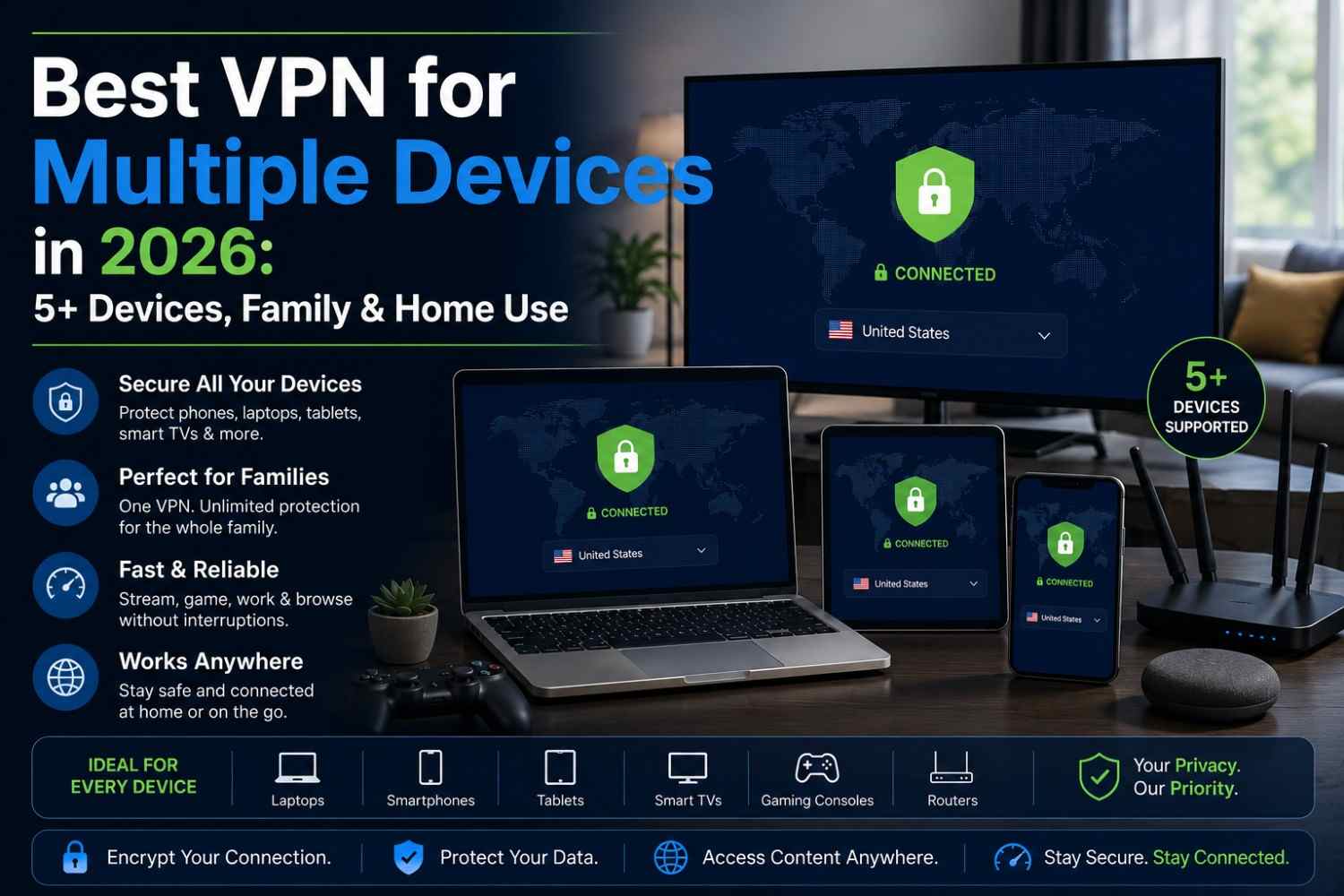
The average household today isn’t running one device. It’s running a phone, a laptop, a tablet, a smart TV, maybe a gaming console, and a couple of smart home gadgets, all connected at once. If you’re only protecting one of them with a VPN, the rest are still exposed. That’s why picking the best VPN for multiple devices matters more than ever, especially if you’re covering a family or a full household on a single plan.
This guide breaks down what “multiple devices” actually means for a VPN, what to check before you buy, and which providers genuinely hold up when you’re running 5, 10, or unlimited connections at once.
What “Multiple Devices” Really Means for a VPN

Not all VPN plans handle multiple devices the same way, and understanding this is the first step to picking the best VPN for multiple devices for your setup. Two things matter here:
- Simultaneous connections – This is the number of devices that can be actively connected and using the VPN at the same time. Most providers cap this somewhere between 5 and 10, though some now offer unlimited connections.
- Installed devices – Separate from active connections, this is how many devices you can install the app on in total. You can usually install a VPN on far more devices than you can actively connect at once.
If you have a big household, say 5+ devices that need protection simultaneously, the simultaneous connection limit is the number to focus on, not the install limit.
What to Look For in a Multi-Device VPN
When you’re picking a VPN for multiple devices, a few things matter more than flashy marketing:
- High or unlimited simultaneous connections – Ideally enough to cover every device in your home without juggling accounts.
- Cross-platform apps – Native apps for phones, desktops, tablets, browsers, and smart TVs, not just one or two platforms.
- Router-level support – Some VPNs can be installed directly on a home router, which covers every device on the network without needing individual apps.
- Consistent speed under load – Performance shouldn’t tank once multiple devices are streaming, gaming, or downloading at the same time.
- Parental controls (for families) – Useful if you’re sharing one plan across a household with kids’ devices included.
- A strict no-logs policy – Especially important when multiple people are using the same account.
Best VPNs for Multiple Devices in 2026
Here’s how the top providers stack up as the best VPN for multiple devices in households and multi-device setups this year:
1. Surfshark
Offers unlimited simultaneous device connections on every plan, making it a strong pick for larger families or anyone who simply doesn’t want to count devices at all.
2. NordVPN
Supports up to 10 devices at once, with the option to cover unlimited devices by installing it directly on a home router, which is a solid middle ground for bigger households.
3. Private Internet Access (PIA)
Offers unlimited simultaneous connections along with a large server network, making it a reliable choice for households spread across different platforms.
4. ExpressVPN
Covers up to roughly 8 devices per plan with easy setup across every major platform, which suits users who want simplicity over raw device count.
5. Proton VPN
A privacy-first option with a genuinely usable free tier and solid multi-device support on paid plans, appealing to families who also care about strict no-logs guarantees.
How Many Devices Does Your Household Actually Need?
Before picking a plan, do a quick count so you know exactly what the best VPN for multiple devices needs to cover in your case:
- Phones and tablets for each family member
- Laptops and desktops
- Smart TVs and streaming boxes
- Consoles and any smart home devices you want covered
If that number is small, a 5-10 device plan is usually enough. If it’s large or you’d rather not think about it, unlimited-connection providers or router-level installation make more sense.
Frequently Asked Questions
What’s the top pick for a family setting? Providers offering unlimited simultaneous connections or router-level installation tend to work best for families, since they remove the need to manage individual device limits.
Can I install a VPN on my router instead of every device? Yes, several providers support router installation, which protects every device on that network automatically, without needing a separate app on each one.
Do more devices mean slower VPN speeds? Not necessarily. Reputable providers are built to handle multiple active connections without a noticeable slowdown, though very congested home networks can still affect overall speed.
Final Thoughts
Protecting just your phone isn’t enough anymore. Your laptop, TV, and every other connected device deserve the same coverage, and the best VPN for multiple devices makes sure none of them get left out. Finding the right multi-device VPN comes down to matching your household’s real device count to a plan that won’t leave anything unprotected, whether that’s an unlimited-connection provider or one installed directly on your router.





Leave A Comment